Map maker for tabletop games
Beautiful maps for D&D and other RPGs — in minutes
Generate locations, place objects, draw rivers and a grid, and show the finished map to your players on a separate screen.
Works with D&D, Pathfinder, Starfinder, Savage Worlds, Cyberpunk RED, Shadowrun and any tabletop RPG or virtual tabletop.
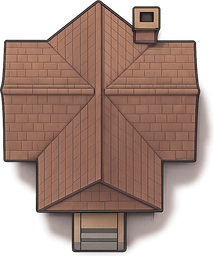
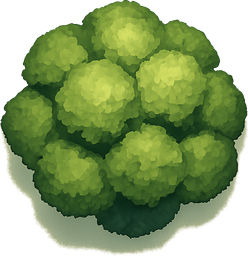
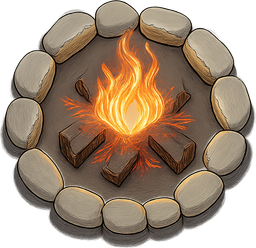
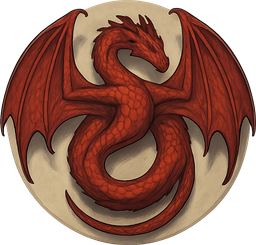
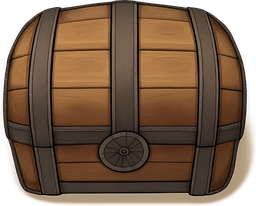
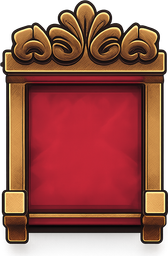
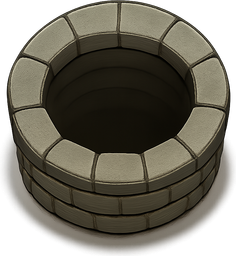
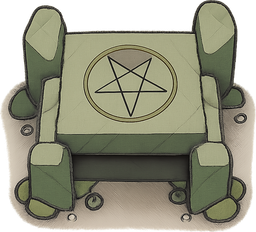
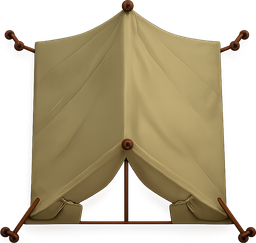
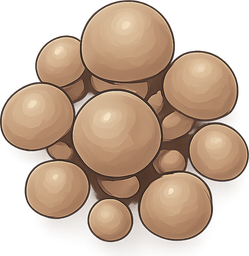
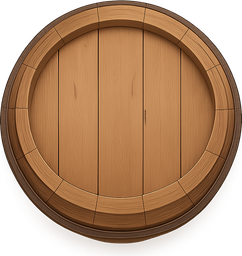
All images are the project's own set, drawn in a single top-down style.
Features
Map generation
Seven location types (forest, town, tavern, ruins, cavern, dungeon, snow). A seed gives a reproducible landscape — the same seed yields the same map.
Hundreds of assets
An owned top-down set: nature, furniture, creatures, treasure, effects, buildings. Drag, rotate, copy, resize.
Rivers and chasms
Draw a riverbed and a chasm right on the map — drag the control points into the path you want.
Scroll labels
Annotate the map with labels on parchment scrolls — “mayor's house”, “ambush” — with adjustable size.
Movement grid
Turn on a square grid with adjustable cell size to count movement during combat.
Show on a screen
Open the map on a second monitor or TV in fullscreen and switch it from the dashboard during play.
Campaigns
Group maps by game and scenario, duplicate the good ones, and drag them between campaigns.
Table rotation
Strictly top-down art: rotate the map 90° for any player around the table — everything reads the same.
How it works
Pick a location and seed
Forest, town, tavern, ruins, cavern, dungeon or snow. The seed sets the landscape — change it until you like it.
Refine the map
Drag objects and creatures, draw a river and chasm, place scroll labels, turn on the grid.
Save and show
Collect maps into campaigns, and during play open the one you need on a second screen or TV.
Frequently asked questions
Which game systems does it work with?
Any tabletop RPG that uses top-down battle maps — D&D, Pathfinder, Starfinder, Savage Worlds, Cyberpunk RED, Shadowrun, Lancer and more. The maps are system-agnostic.
Is it free?
Yes — create a free account and start building maps right away.
Can I use it with a TV on the table or a virtual tabletop?
Yes. Show a map fullscreen on a second monitor or a TV laid flat on the table, or use it alongside any VTT such as Roll20, Foundry VTT or Owlbear Rodeo.
Do I need to install anything?
No — it runs entirely in your browser, on desktop or tablet.
Can I use the maps I create in my games?
Yes. The art is the project's own top-down set, so you can freely use your maps in home games, streams and online play.
Ready to build your first map?
Registration is free. Create an account and start from a blank canvas — your maps are saved to your dashboard.
Create an account